
THE VISUAL CLOSING PLATFORM FOR HOME IMPROVEMENT

SHOW THE VISION.CLOSE THE PROJECT.

Move from a supported customer inquiry and real property photo to a scheduled, visualized project—then keep the selected concept, final scope, signature, and payment connected through the close.

TRY THE COMPLETE WORKFLOW7 days + 3 projects free

Eligible new businesses can choose a plan and add a card after creating an account. The selected subscription begins after the trial and renews until canceled.

Review trial terms
6-steplead-to-project workflow
One client linkreview, approve, sign, and pay
One workspacefrom first inquiry to final payment
projectpreview.pro / studio
RE
AI VISUAL STUDIOBackyard Transformation
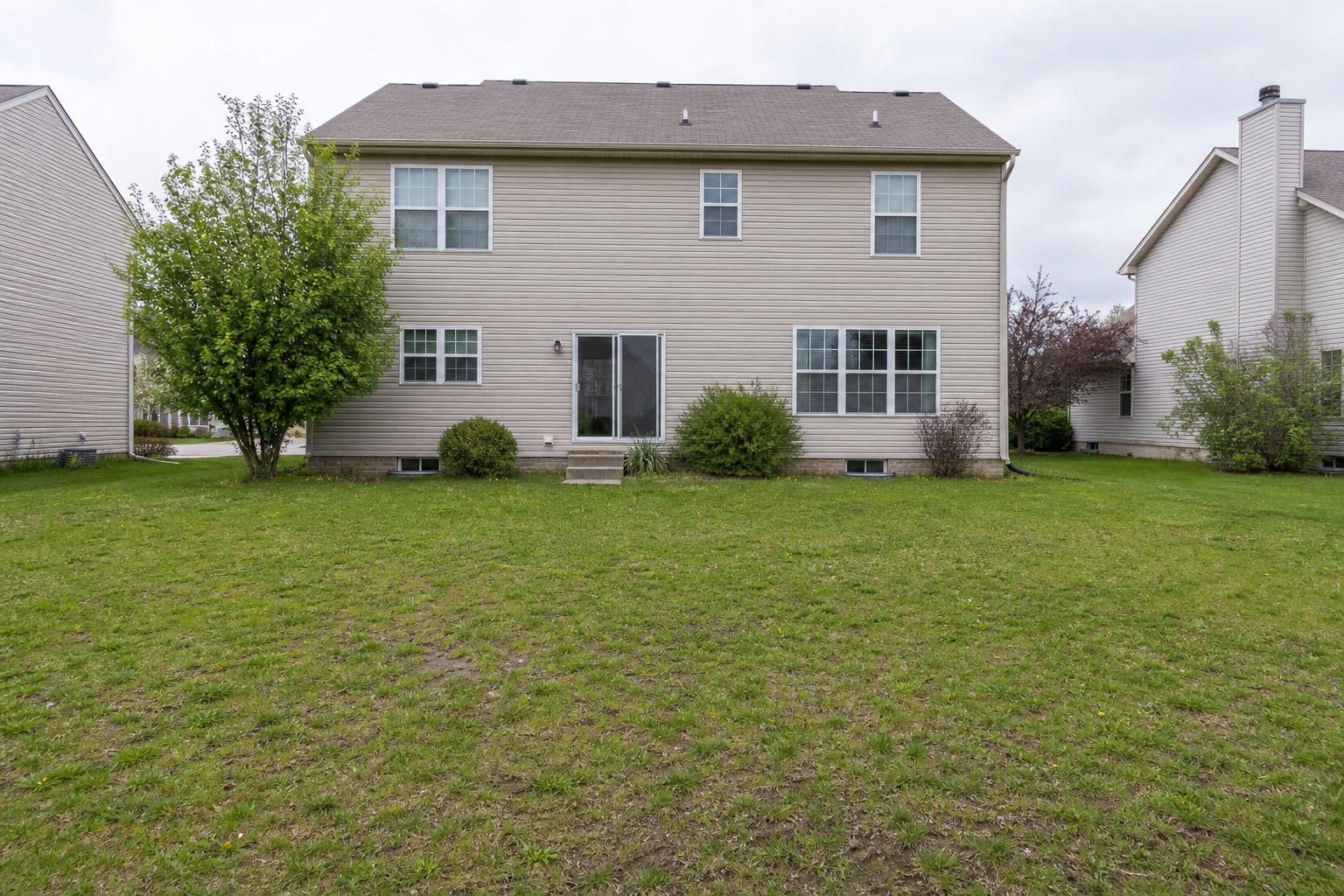
Original project space
Visualized project concept
BeforeConcept
PROJECT VALUE$28,500
CLIENT VIEWS7
STATUSShared
Concept approved2 minutes ago
Proposal viewedSarah opened the preview
  • Landscaping
  • Pool Installation
  • Hardscaping
  • Exterior Remodeling
  • Roofing
  • Painting
  • Decks
  • Fencing
  • Interior Remodeling
  • Interior Decorating
MORE THAN A VISUALIZER

Visualization should move the sale forward.

Project Preview Pro turns the transformation into a structured customer decision, then carries that decision into the final business workflow.

One customer approval and payment page

Package the approved concept, final proposal, invoice, signature, and secure payment step into one clear customer experience.

Engagement intelligence

See when a client views a proposal, requests a change, approves a concept, or is ready for a follow-up.

Sales pipeline clarity

Track visualized opportunities, project value, approvals, revision activity, and wins from one workspace.

Your products and packages

Save the packages, services, materials, specifications, and pricing your company offers, then apply them to each project area and editable proposal.

LEADS & SCHEDULING

Turn new inquiries into scheduled, visualized projects.

Subscribed businesses can organize supported text, email, and Angi inquiries, review AI assistance, manage follow-up work, and carry customer context into the Project Preview Pro workflow.

LEADS & MESSAGESResponse queue
Illustrative workspace
All leads 12Text 5Email 4Angi 3
SMSDeck replacement inquiryPhoto received · needs a replyNEW
EMKitchen remodel estimateAI summary ready for owner reviewDUE TODAY
ANGExterior paint consultationMatched to an existing customerQUALIFIED
Unread leads stay visibleNewest first ↕

One focused inbox

Keep supported inquiries, messages, customer details, source, and approved photos together. Connection checks surface provider problems without creating customer activity.

AI assistance, human control

Summarize requests, identify missing information, suggest questions, and prepare drafts. A business user reviews every send.

Customer matching

Compare verified email and phone details to connect a lead to an existing customer and surface possible duplicates for review.

Tasks, due dates, and review

Assign private work across leads, customer projects, appointments, or the general business; choose custom deadlines; and place eligible inactive leads into an owner-reviewed retention queue with a reversible 30-day recovery window—never automatic deletion.

Job calendar

Plan consultations, site visits, estimates, and installations in month, week, day, or agenda views.

Convert to project

Move owner-approved customer details and a sanitized project photo into the existing visualization and proposal workflow.

The business stays in control.

AI does not send prices, proposals, invoices, or scheduling promises. Google and Outlook Calendar connections synchronize only appointments the business explicitly approves; personal events are not imported.

Start a free trial
THE PROJECT PREVIEW PRO DIFFERENCE

Most tools stop somewhere in the middle.

A render without a decision is inspiration. A proposal without the visual loses the emotional reason to buy. Project Preview Pro keeps both sides of the sale connected.

THE FRAGMENTED WAY

The customer experience gets handed from tool to tool.

01VisualizerCreate the image
02Proposal fileRebuild the scope
03Texts and emailChase a decision
04Payment linkStart another handoff
05AccountingRe-enter the result
THE CONNECTED WAY

One visual record carries the customer from possibility to commitment.

Real photo
Selected concept
Client decision
Final acceptance
Payment record

The client can review, compare, approve or request changes without creating an account. The business stays in control of the final scope, price, payment provider, and accounting handoff.

01

The concept stays attached

Preserve the selected visual and revision history instead of losing the decision in a text thread.

02

The contractor stays in control

AI supports the sales conversation; the professional confirms the final scope, price, and terms.

03

The customer gets one clear next step

Review the project, respond, accept the final documents, and use the available payment option from a focused experience.

04

The business finishes the workflow

Connect Stripe or Square, record offline payments, and optionally synchronize supported records with QuickBooks.

Choose the platform around the job you need to finish.See an honest, capability-based comparison with visualization, measurement, documentation, and estimating specialists.
Why Project Preview Pro
THE WORKFLOW

From qualified lead to client decision in six clear steps.

Project Preview Pro can keep approved lead intake, scheduling, visualization, proposal, payment, and accounting handoff in one polished environment.

01Review and qualify the inquiry
02Schedule the consultation or estimate
03Generate and refine the visual concept
04Send the final proposal and invoice
05Capture the signed approval
06Collect payment and sync records
READY TO GET PAID

Connect Square or Stripe and keep the customer experience in one place.

Each business connects its own payment account. Customers approve the final proposal, choose an available payment method, and pay through that business's selected Square or Stripe checkout. Cash, check, and other offline payments can also be recorded without moving funds through Project Preview Pro.

SHOW IT. APPROVE IT. GET PAID.

Turn the vision into the next decision.

Give customers the confidence to move forward while keeping the concept, final documents, and payment connected.